Walkthrough: a five-column C&P run
Step through a complete run, from setup to the final column.
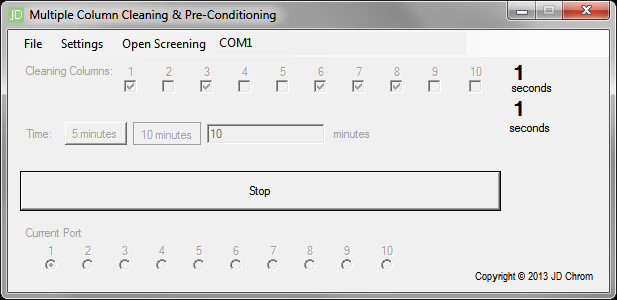
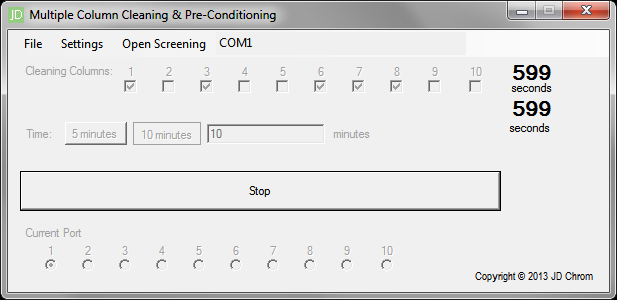
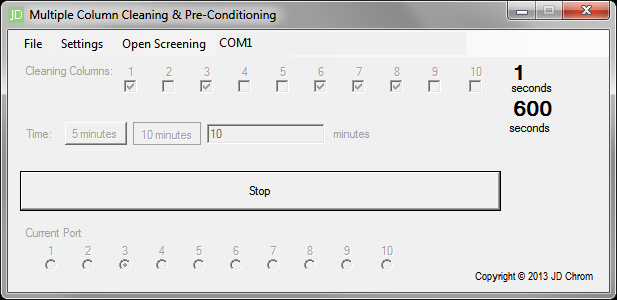
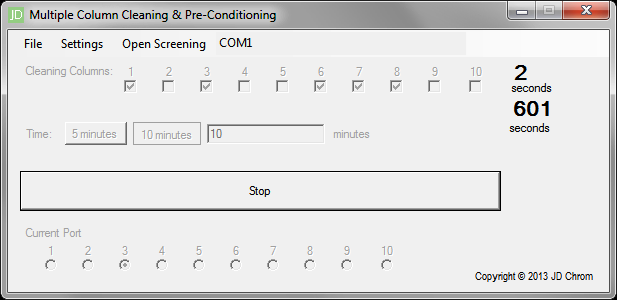
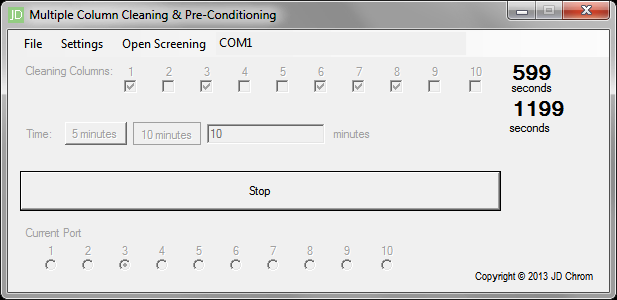
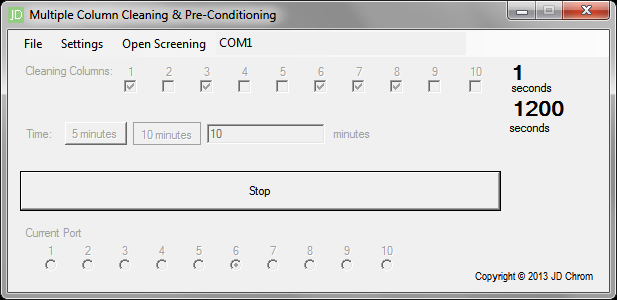
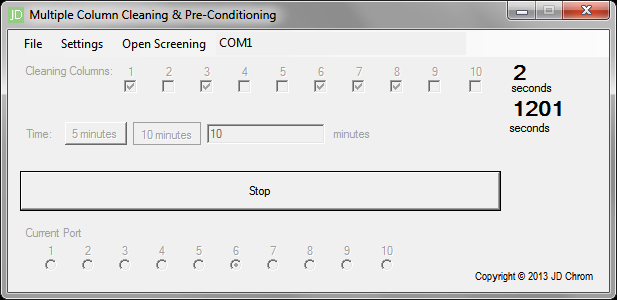
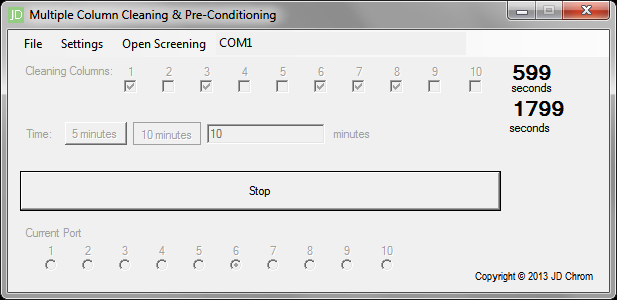
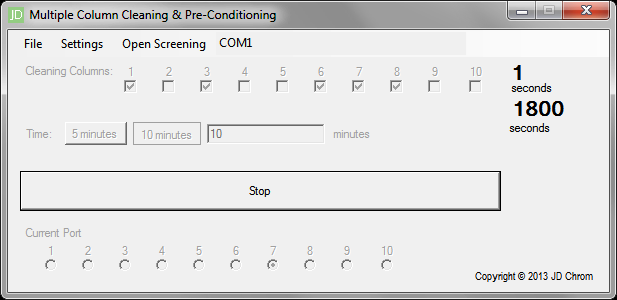
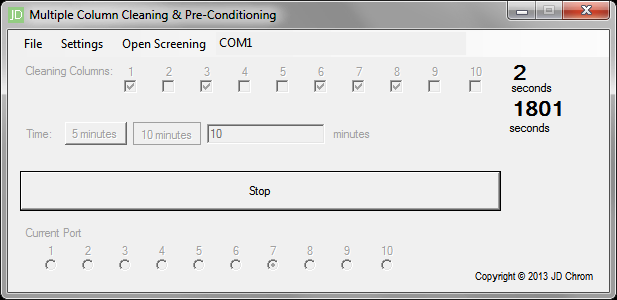
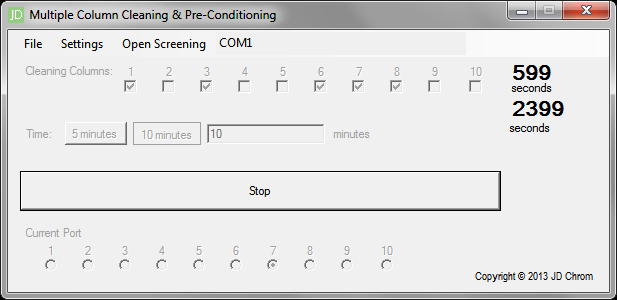
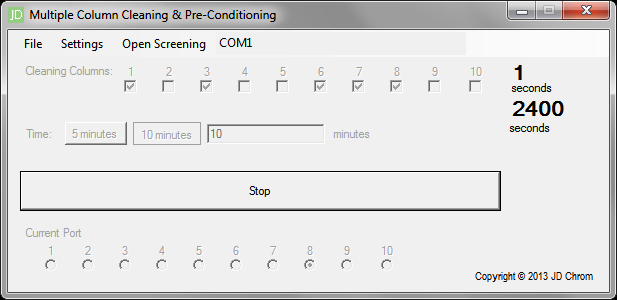
Step 1 of 17
C&P run setup
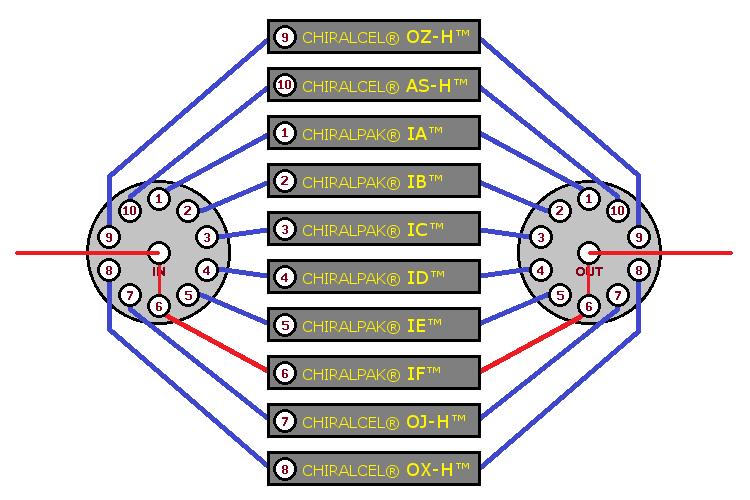
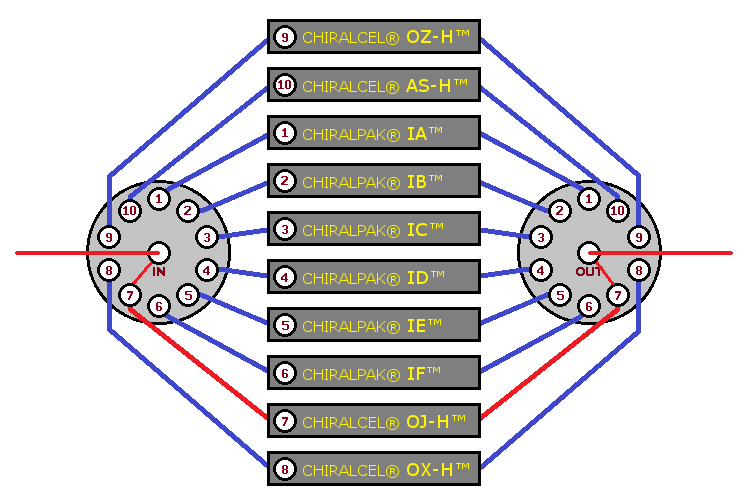
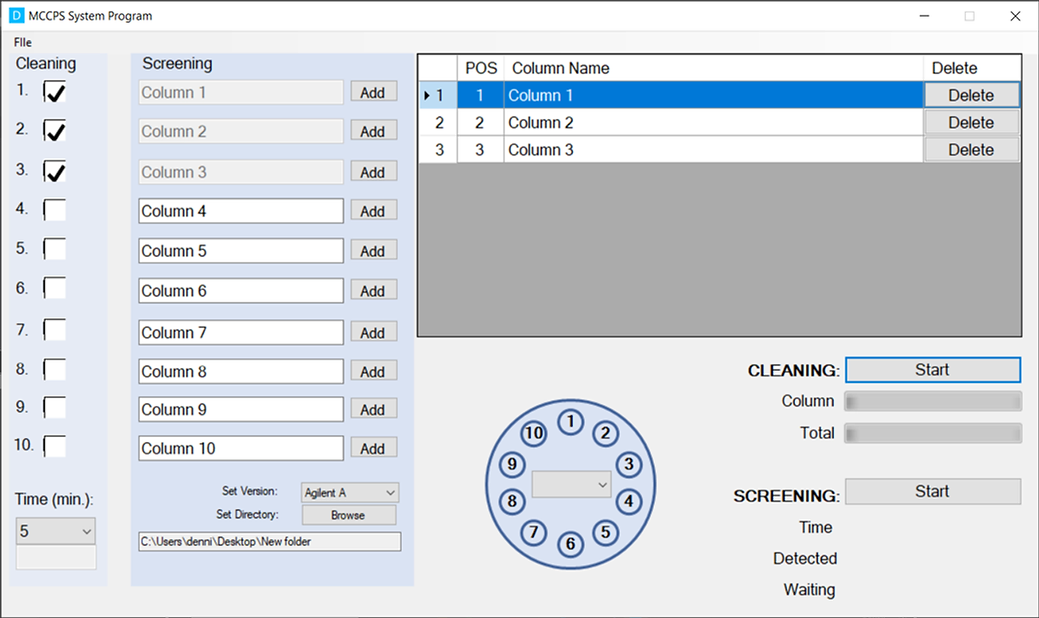
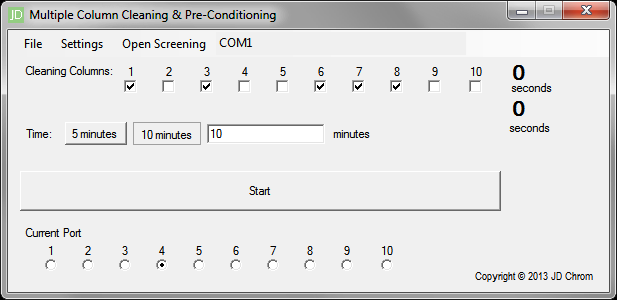
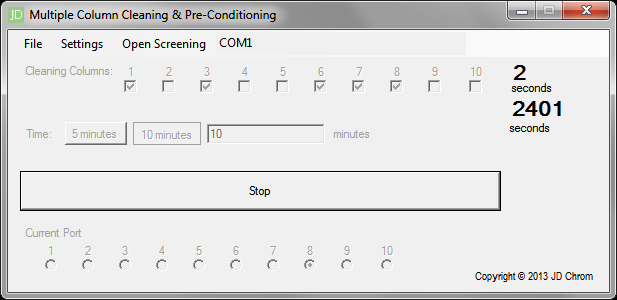
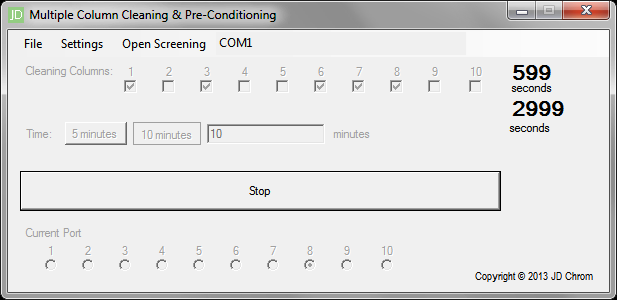
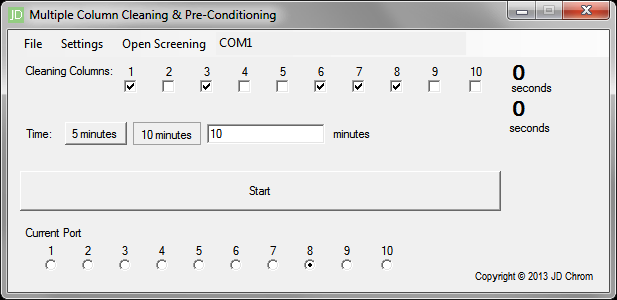
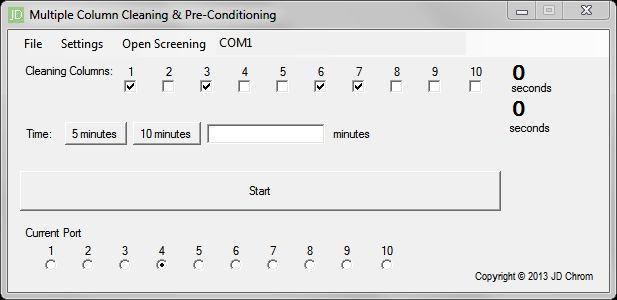
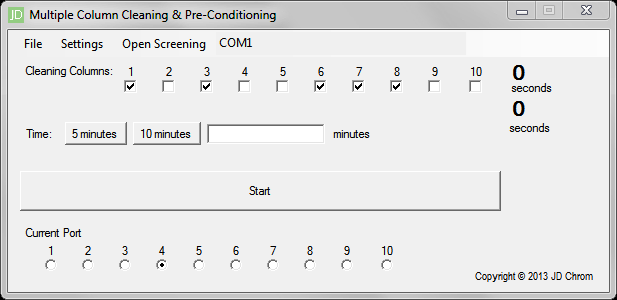
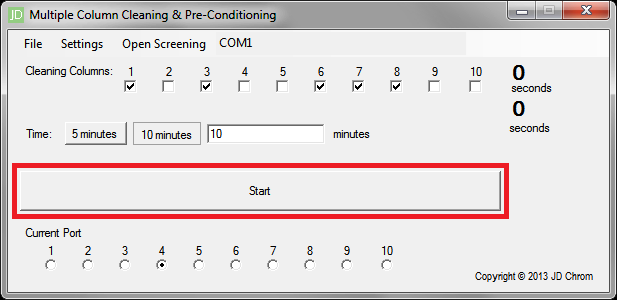
- Choose the desired columns: 1, 3, 6, 7 and 8 (five columns in total).
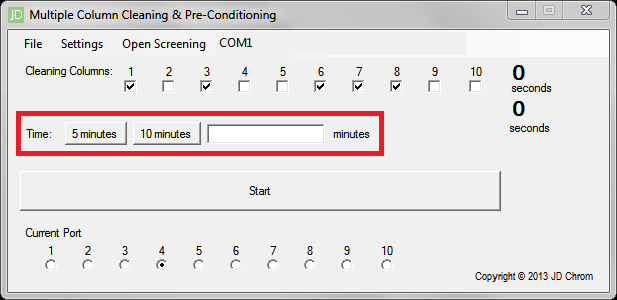
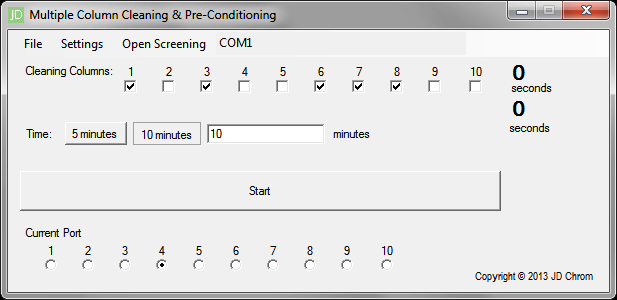
- Define the C&P duration for each column (10 min each).
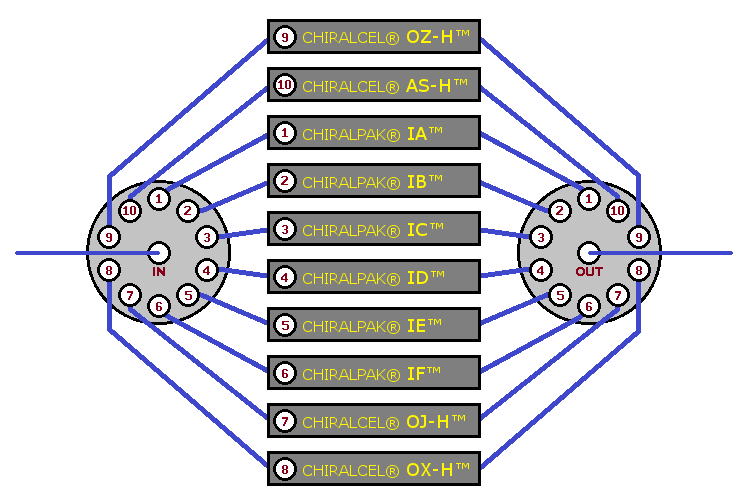
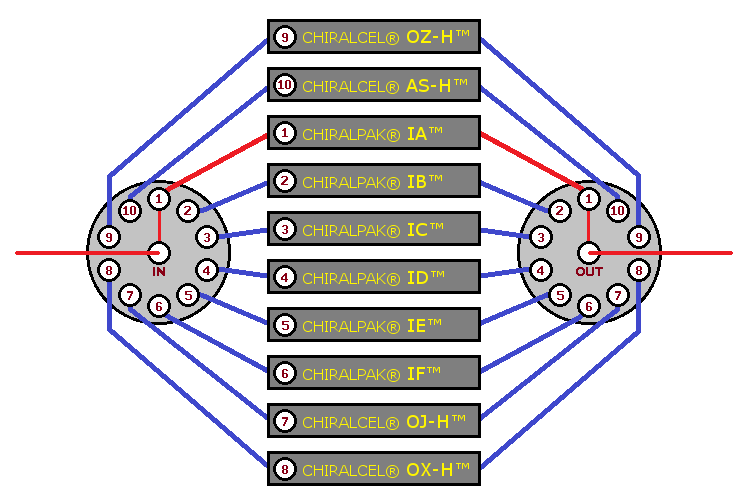
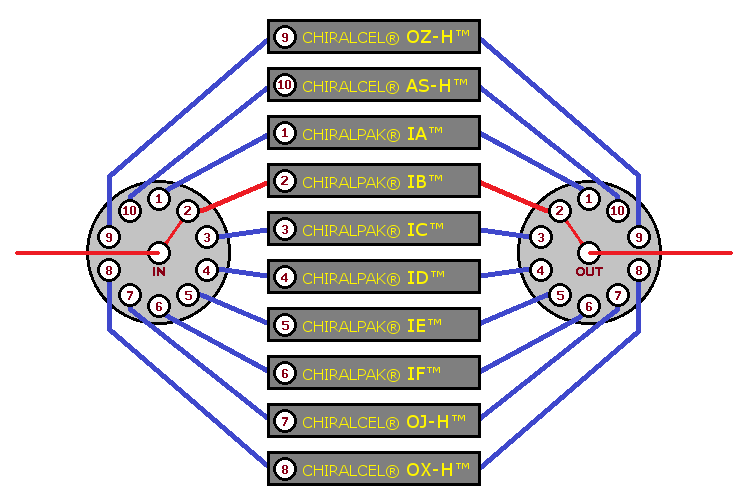
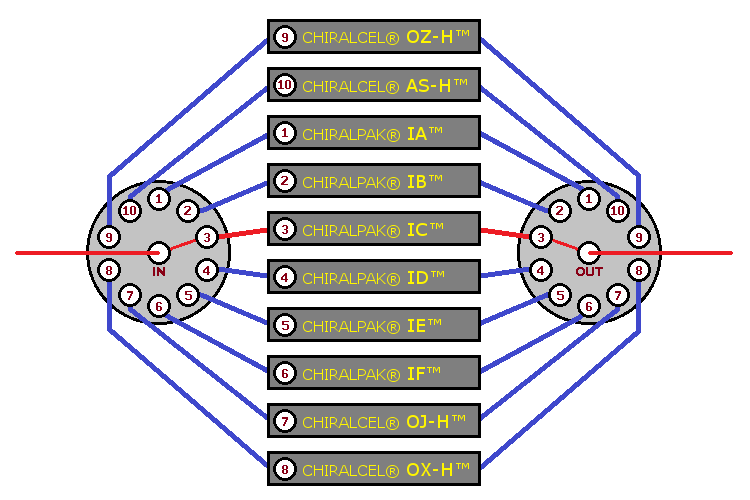
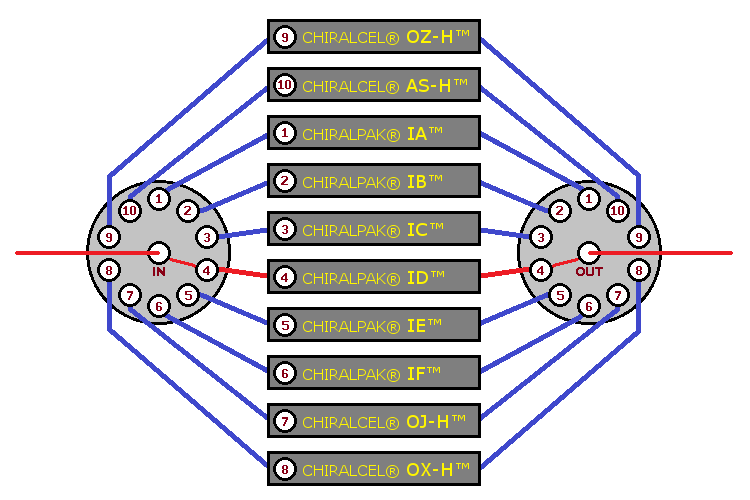
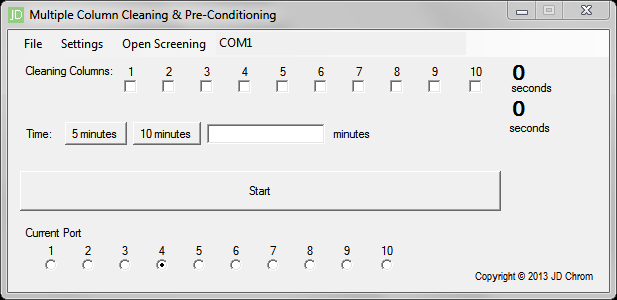
- Check communication with the Current Port display: click Port 4 and watch the Column Selector Unit move to Port 4.
Overview
As described on the MCCPS System page, the MCCP Program cleans and pre-conditions columns with minimal effort. While you run a cleaning or pre-conditioning method in ChemStation (or an equivalent chromatographic data system), the MCCP Program cycles through the selected columns for you, making sure each one is processed for the same duration. For the full list of features, such as saving and loading processes, download the MCCPS System user's manual from the Downloads page.
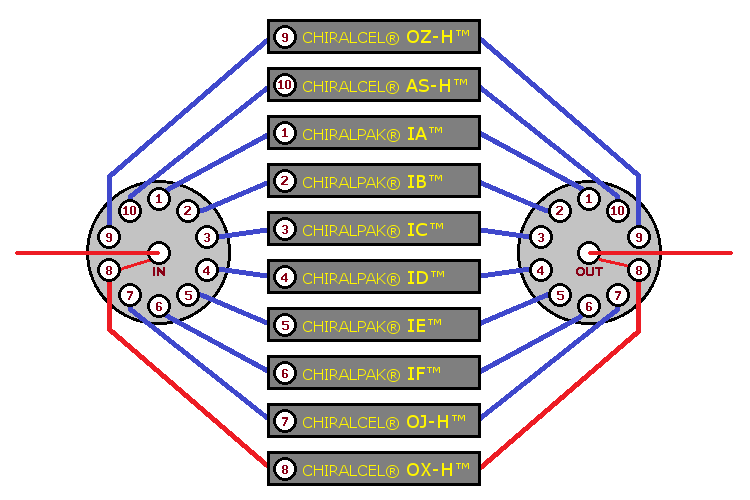
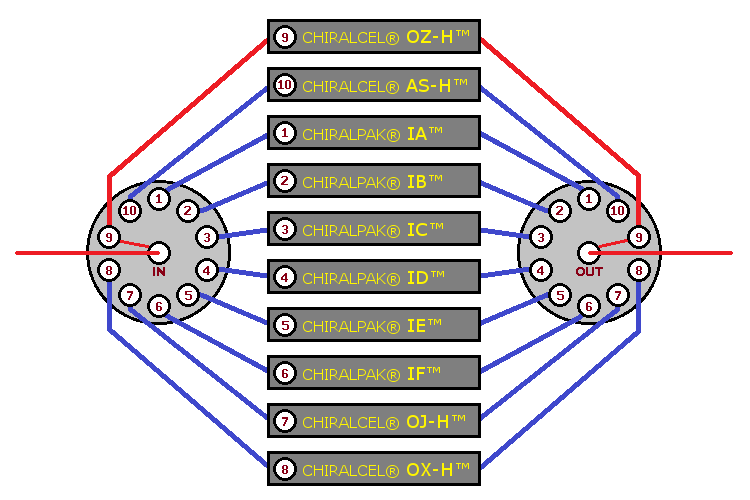
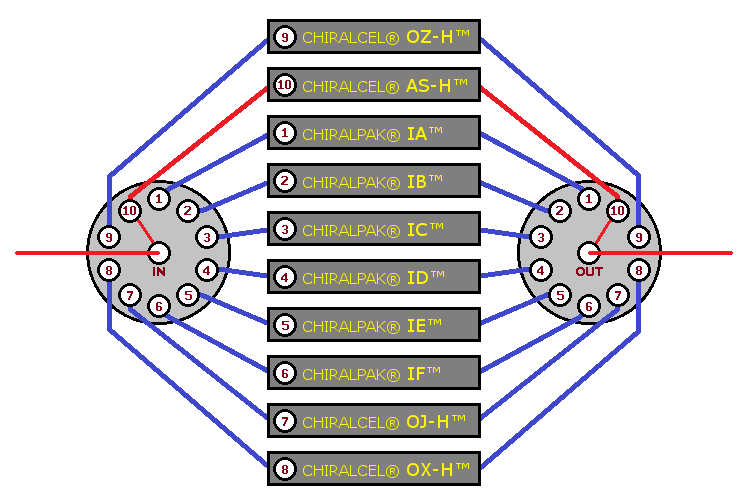
This guide briefly walks through how the MCCP Program works alongside your HPLC System and the Column Selector Unit:
- Creating a cleaning & pre-conditioning run in the MCCP Program
- Creating a cleaning & pre-conditioning method in ChemStation
- Starting the ChemStation method and the C&P run
Creating a cleaning & pre-conditioning run
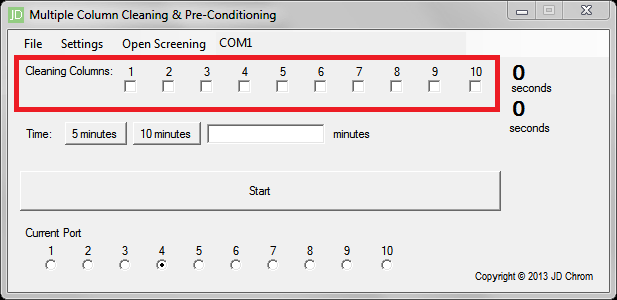
With ten columns installed on the Column Selector Unit, choose which columns to process and for how long.
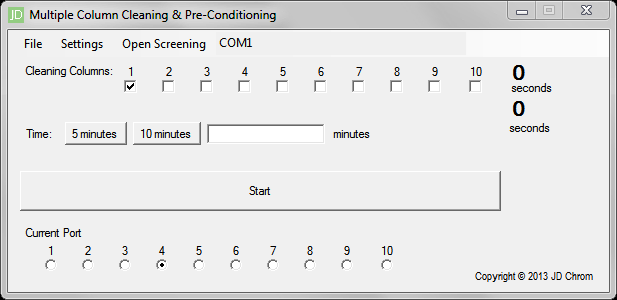
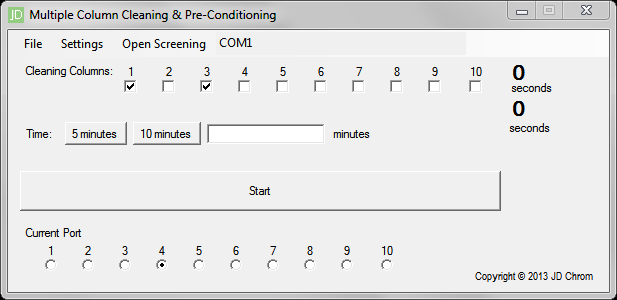
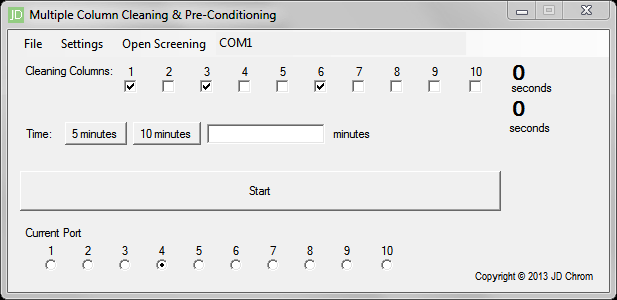
- Check the box for each column you want to process.
- Define how long to process each column: click the default 5 min or 10 min button, or enter your preferred duration in minutes.
Creating a C&P method in ChemStation
With the MCCP Program configured, set up ChemStation and the HPLC System to pump the cleaning or pre-conditioning mobile phase for the total time needed to process every checked column.
For five columns at 10 minutes each, for example, you might run a static method for 50 minutes. For gradient methods, run repeated gradients at intervals matching the time each column is processed.
Starting the ChemStation method and C&P run
With the ChemStation method ready and the MCCP run set up in sync with it, all that is left is to start both, in order.
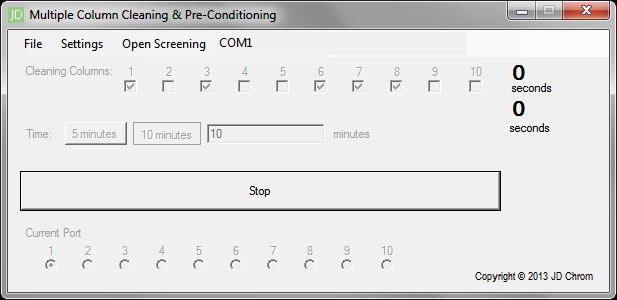
We recommend starting the method in ChemStation first and waiting for the system to reach your method parameters. When the HPLC System is ready, click Start in the MCCP Program. It switches columns according to the duration you defined until every checked column is processed.